Home & Decor
Popular Ways to Shop


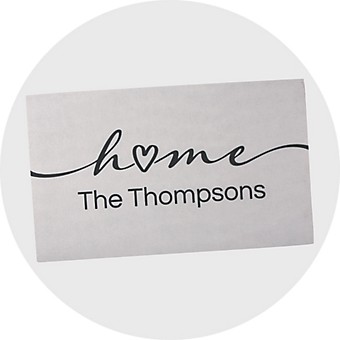

Popular Home Categories
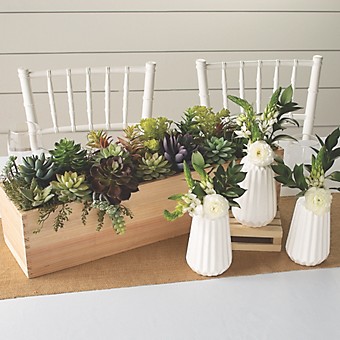
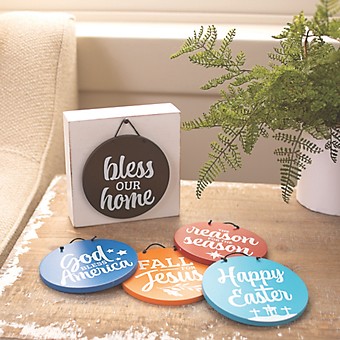
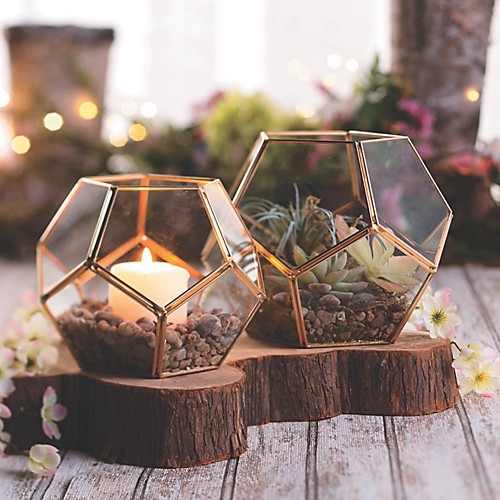

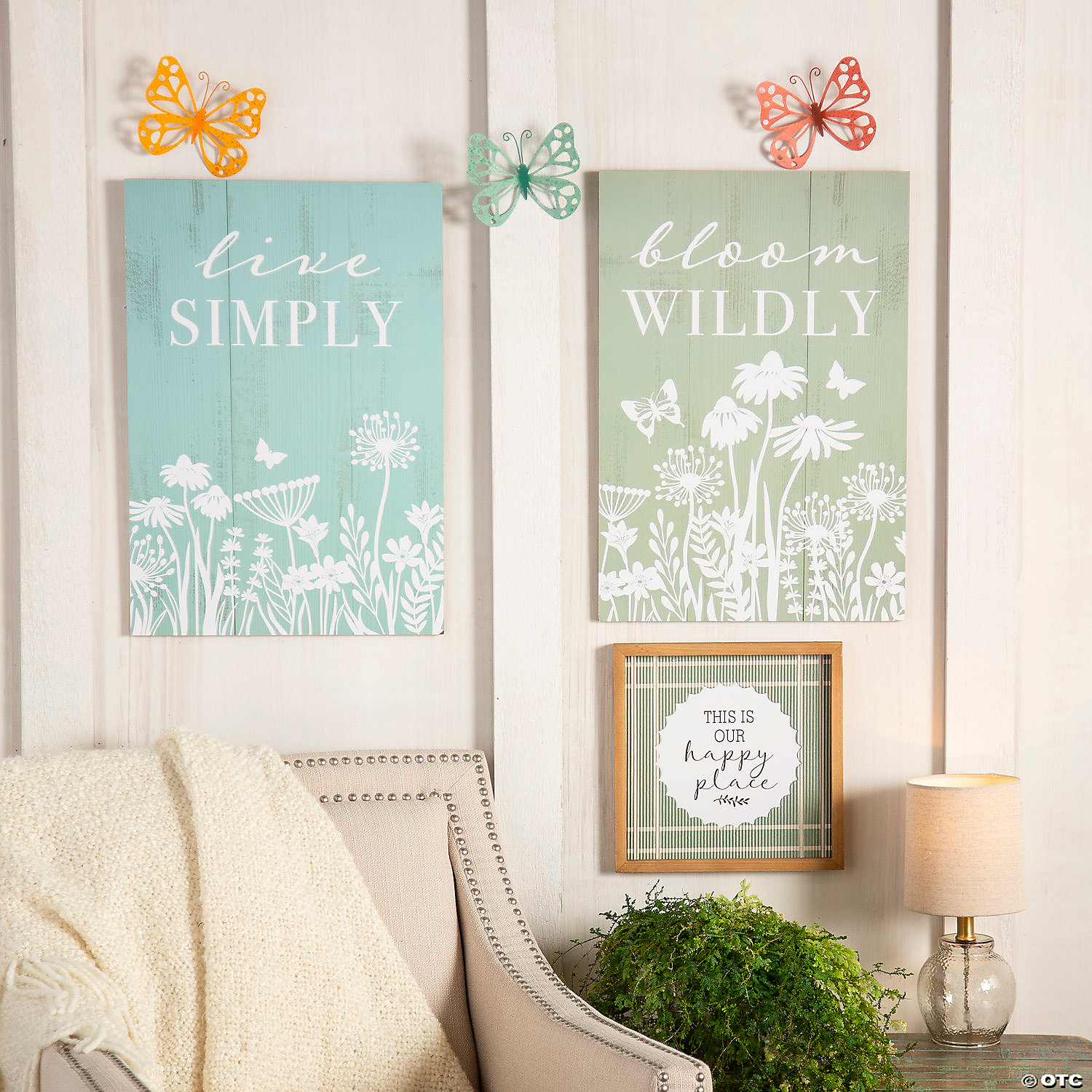
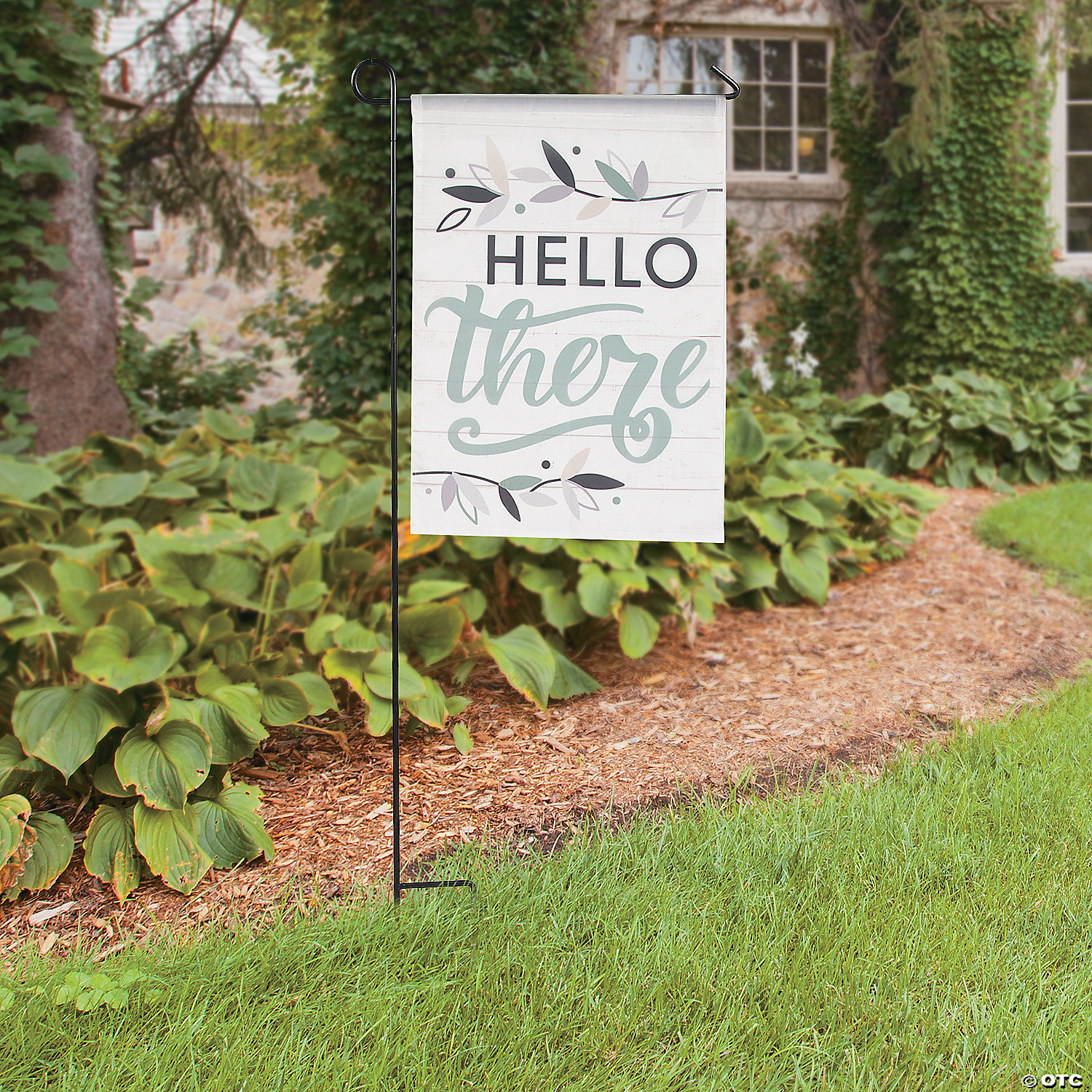
Extend Your Space to the Outdoors
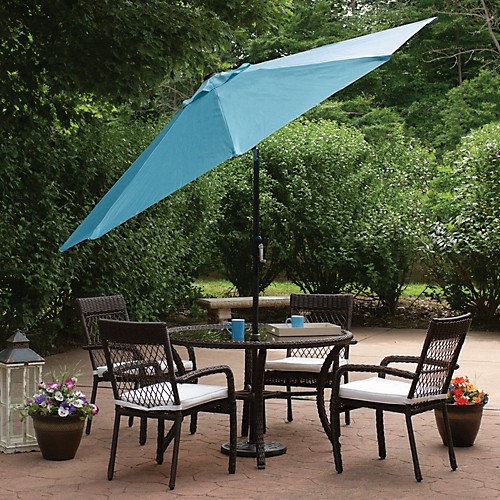
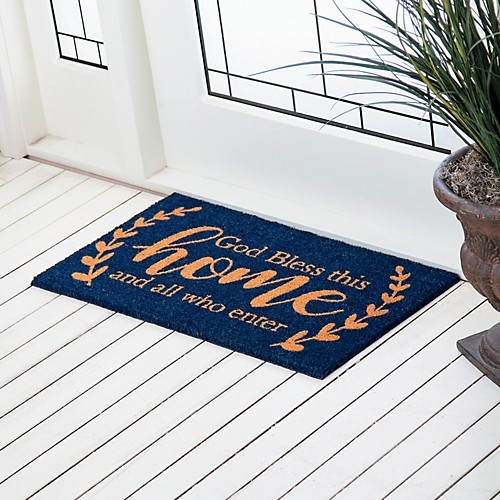

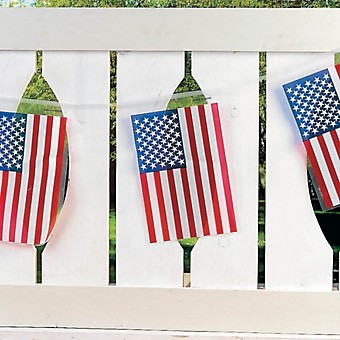

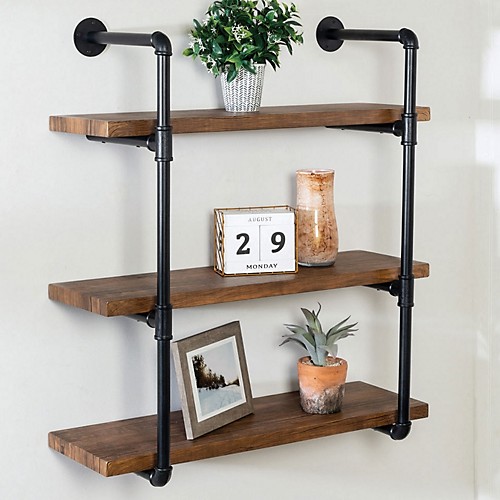
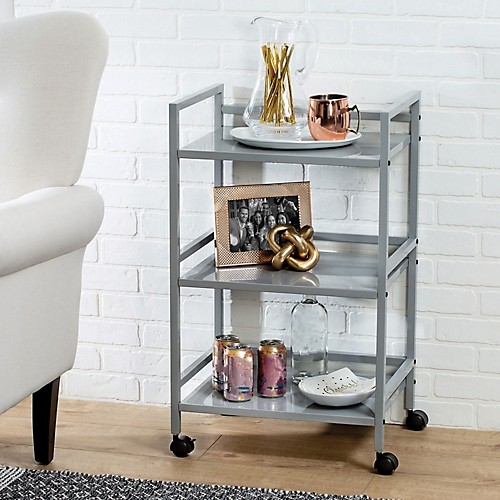
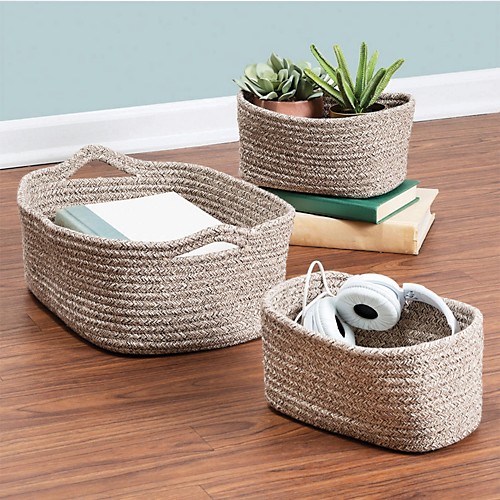
Home Storage
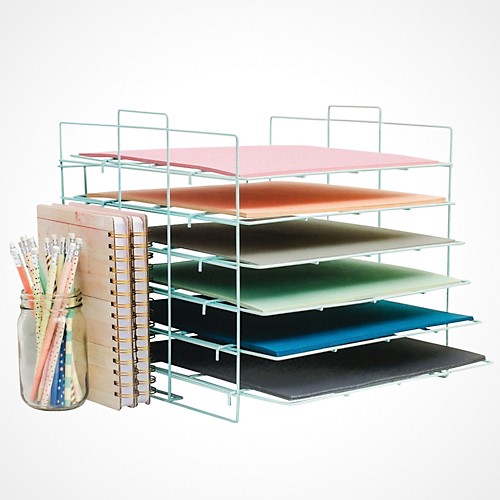
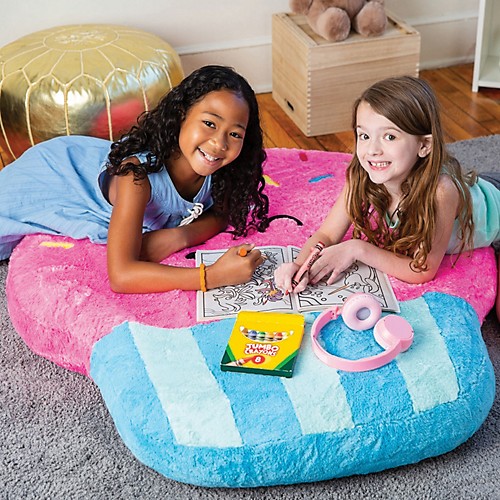
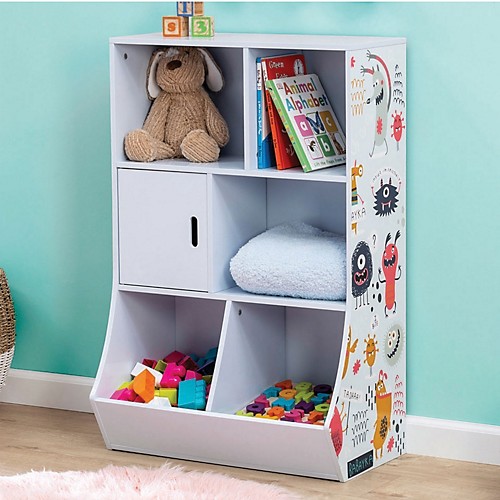
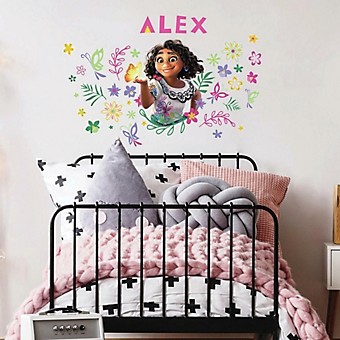
Kids' Furniture and Décor


All content on this site is available, via phone, at 1-800-875-8480. . If you experience any accessibility issues, please contact us.
Popular Ways to Shop
Popular Home Categories
Extend Your Space to the Outdoors
Home Storage
Kids' Furniture and Décor